Access the Communication centre by pressing View all messages on the communication centre tab.
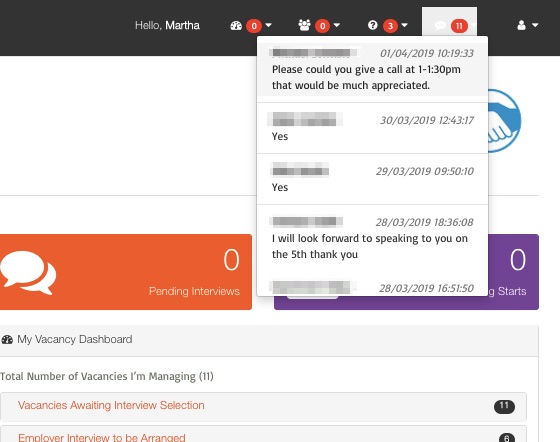
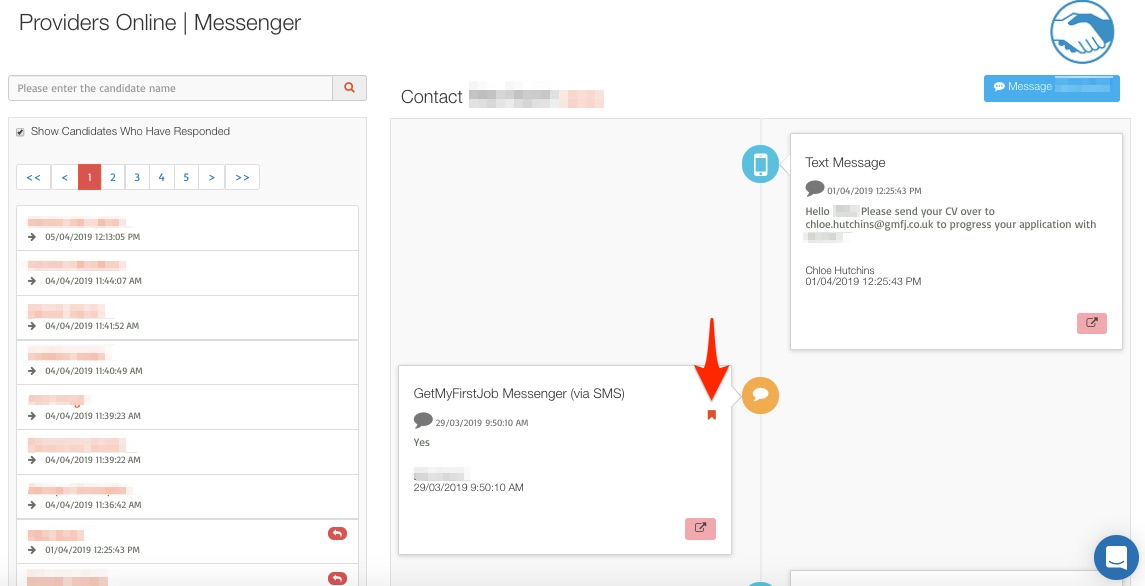
Then, indicate that each message has been read once managed by ticking the read button.
![talentpeople.png]](https://knowledge.thetalentportal.co.uk/hs-fs/hubfs/talentpeople.png?height=40&name=talentpeople.png)
Access the Communication centre by pressing View all messages on the communication centre tab.
Then, indicate that each message has been read once managed by ticking the read button.